Getting Started with OpenCV for Real-Time Video Analysis
A practical introduction to OpenCV — reading a video stream, running basic frame processing, and the patterns I reuse across every computer vision project.
Sample post. A tutorial-style article to show how code blocks, inline code, and step-by-step content render on this blog. Replace with a real walkthrough whenever you like.
Why OpenCV
Every computer vision project I've built — from crop disease detection to real-time surveillance — starts with the same handful of OpenCV patterns. This is the short version of what I reach for first.
Reading a Video Stream
The starting point for almost anything real-time is a capture loop:
import cv2

cap = cv2.VideoCapture(0)  # 0 = default webcam

while cap.isOpened():
    ret, frame = cap.read()
    if not ret:
        break

    cv2.imshow("Live Feed", frame)
    if cv2.waitKey(1) & 0xFF == ord("q"):
        break

cap.release()
cv2.destroyAllWindows()
That loop — read a frame, process it, display it, check for an exit key — is the skeleton every real-time OpenCV project sits inside.
Basic Frame Processing
Most detection pipelines don't work on raw color frames. A grayscale conversion plus a blur is a common first step, both to reduce noise and to cut the data the next stage has to process:
gray = cv2.cvtColor(frame, cv2.COLOR_BGR2GRAY)
blurred = cv2.GaussianBlur(gray, (5, 5), 0)
Drawing Detections
Once a model returns bounding boxes, cv2.rectangle is the simplest way to visualize them on the original frame:
for (x, y, w, h) in detections:
    cv2.rectangle(frame, (x, y), (x + w, y + h), (0, 255, 0), 2)
A Note on Performance
cv2.waitKey(1) matters more than it looks — without a small delay, the loop can starve the OS event queue and the display window stops responding. It's a one-line fix for a confusing bug.
Where This Goes Next
From here, the same capture loop is what feeds a YOLO model in a real-time detection system, or a CNN classifier for a single-frame task like crop disease detection. The loop doesn't change much — what runs inside it does.
Related Articles
 Learning
Docker for Beginners: Containerizing My First ML Model
The minimum Docker you actually need to ship a Python ML model — a Dockerfile, a build command, and the mistakes I made getting there.
Jul 15, 2026 · 2 min readRead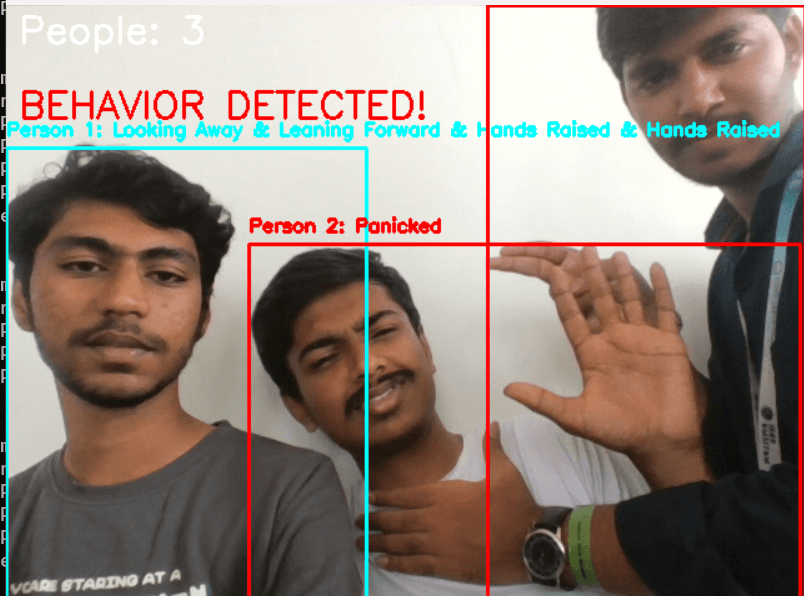 Projects
Safe Vision: Real-Time Assault Detection with Blockchain Evidence
How Safe Vision combines a real-time computer vision model with blockchain-backed evidence storage to flag suspicious activity from live video.
Aug 10, 2026 · 3 min readRead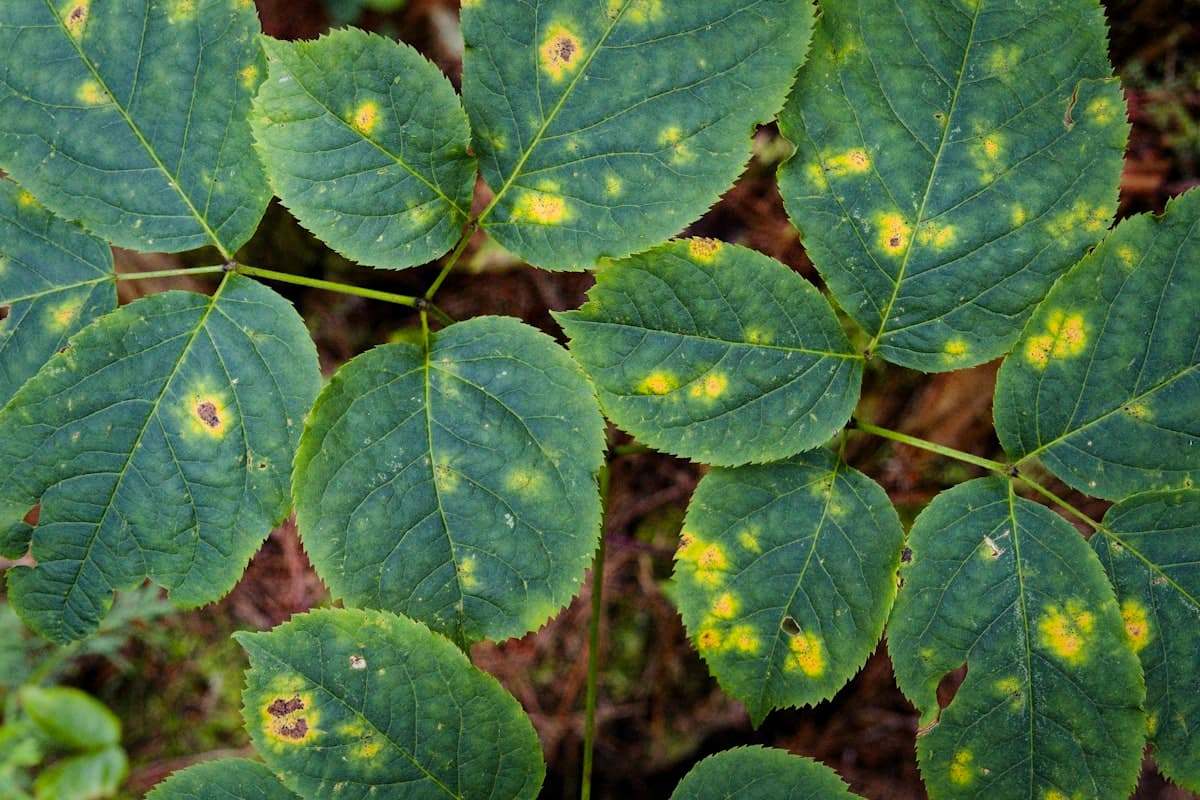 AI & ML
Lessons from Building a Crop Disease Classifier with CNNs
What actually moved accuracy on a leaf-image CNN classifier, and what turned out to be a waste of time.
Jun 30, 2026 · 2 min readRead