Docker for Beginners: Containerizing My First ML Model
The minimum Docker you actually need to ship a Python ML model — a Dockerfile, a build command, and the mistakes I made getting there.
Sample post. A short tutorial-style article showing Dockerfile syntax highlighting and a step-by-step structure. Replace with your own notes whenever you like.
Why Bother with Docker
"Works on my machine" is a real problem the moment a model needs to run somewhere else — a teammate's laptop, a demo server, a CI pipeline. Docker's whole pitch is that the environment ships with the code.
The Minimum Dockerfile
For a Python ML project, this is roughly the smallest Dockerfile that's actually useful:
FROM python:3.11-slim

WORKDIR /app

COPY requirements.txt .
RUN pip install --no-cache-dir -r requirements.txt

COPY . .

CMD ["python", "main.py"]
Four real instructions: pick a base image, install dependencies, copy the code, define the run command.
Building and Running
docker build -t my-model .
docker run --rm my-model
--rm cleans up the container after it exits, which is what you want for anything that isn't a long-running service.
The Mistake I Kept Making
Copying the requirements file separately from the rest of the code, before RUN pip install, isn't just style — it's what lets Docker cache that layer. Copy everything at once and every code change forces a full dependency reinstall on the next build.
# Slow: any code change reinstalls every dependency
COPY . .
RUN pip install --no-cache-dir -r requirements.txt

# Fast: dependencies only reinstall when requirements.txt changes
COPY requirements.txt .
RUN pip install --no-cache-dir -r requirements.txt
COPY . .
What I'd Tell a Beginner
You don't need to understand multi-stage builds or image layering theory to get real value from Docker. You need one working Dockerfile, docker build, and docker run. Everything else is an optimization you can learn once the basics are already paying off.
Related Articles
 Learning
Getting Started with OpenCV for Real-Time Video Analysis
A practical introduction to OpenCV — reading a video stream, running basic frame processing, and the patterns I reuse across every computer vision project.
Aug 5, 2026 · 2 min readRead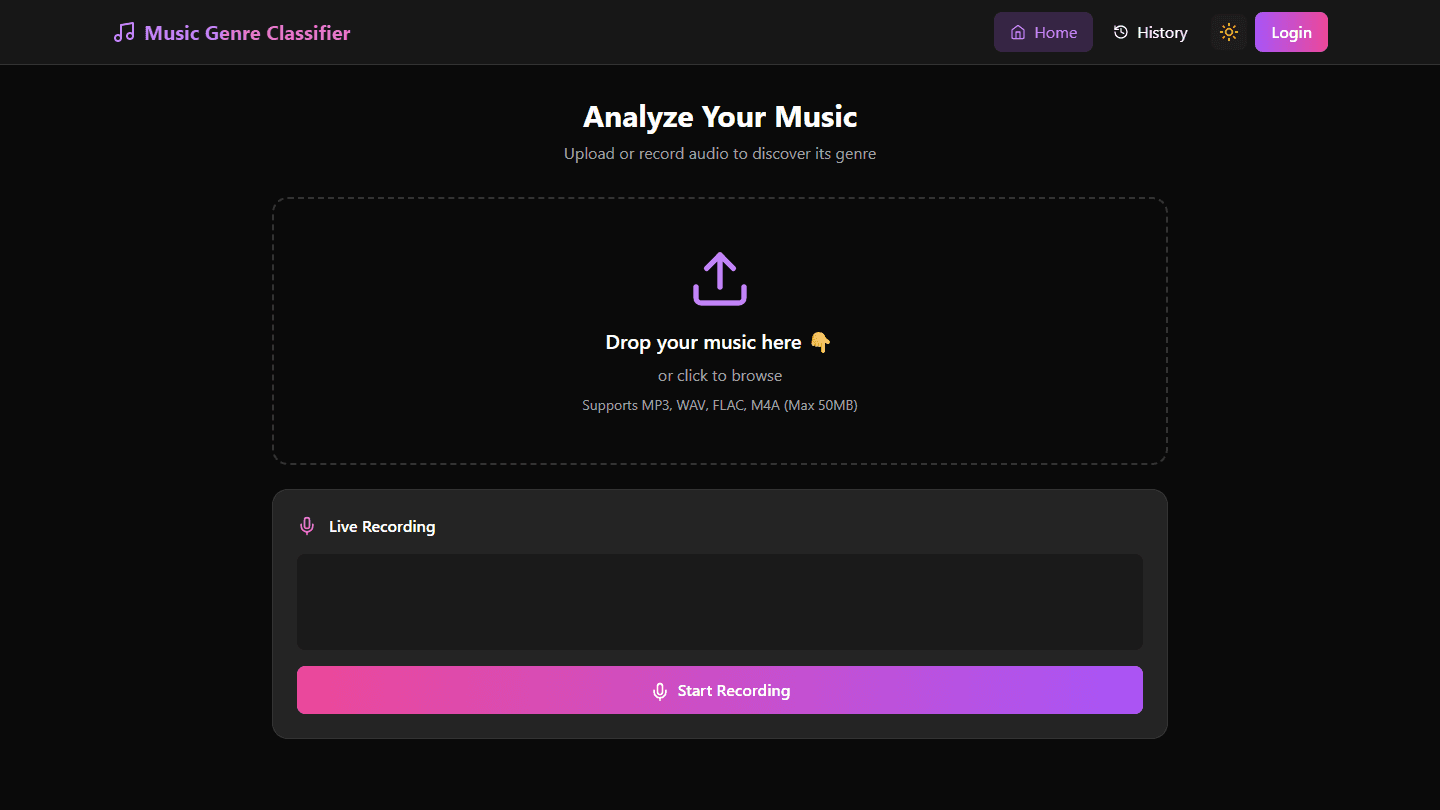 Projects
SongSense: A Music Genre Classifier from Audio Signals
How SongSense uses audio signal processing and spectral analysis to classify music genre, and where it landed on accuracy.
Aug 15, 2026 · 2 min readRead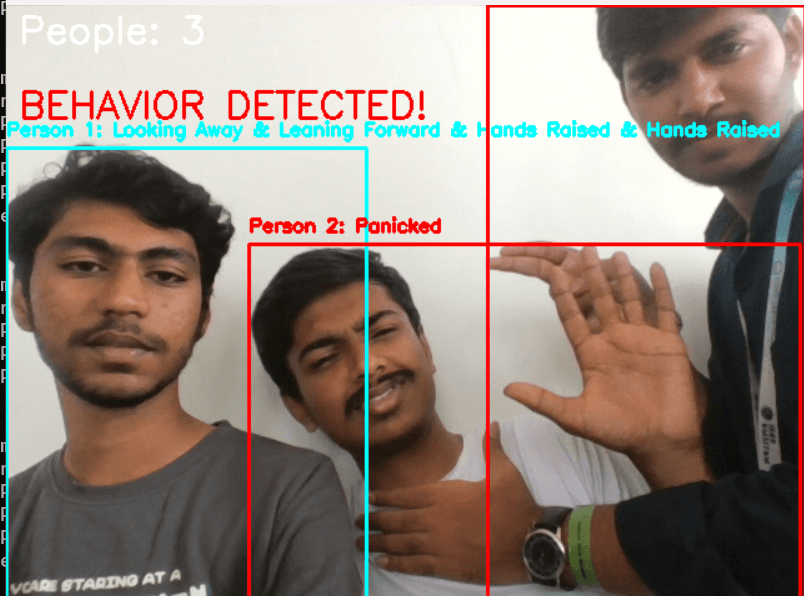 Projects
Safe Vision: Real-Time Assault Detection with Blockchain Evidence
How Safe Vision combines a real-time computer vision model with blockchain-backed evidence storage to flag suspicious activity from live video.
Aug 10, 2026 · 3 min readRead