How I Built PrepBot — My Flinders AI Hackathon Journey
An AI-powered placement prep chatbot built with plain HTML, CSS, and JavaScript — and the story of how it won 1st place at the Flinders University AI Hackathon.
01Overview
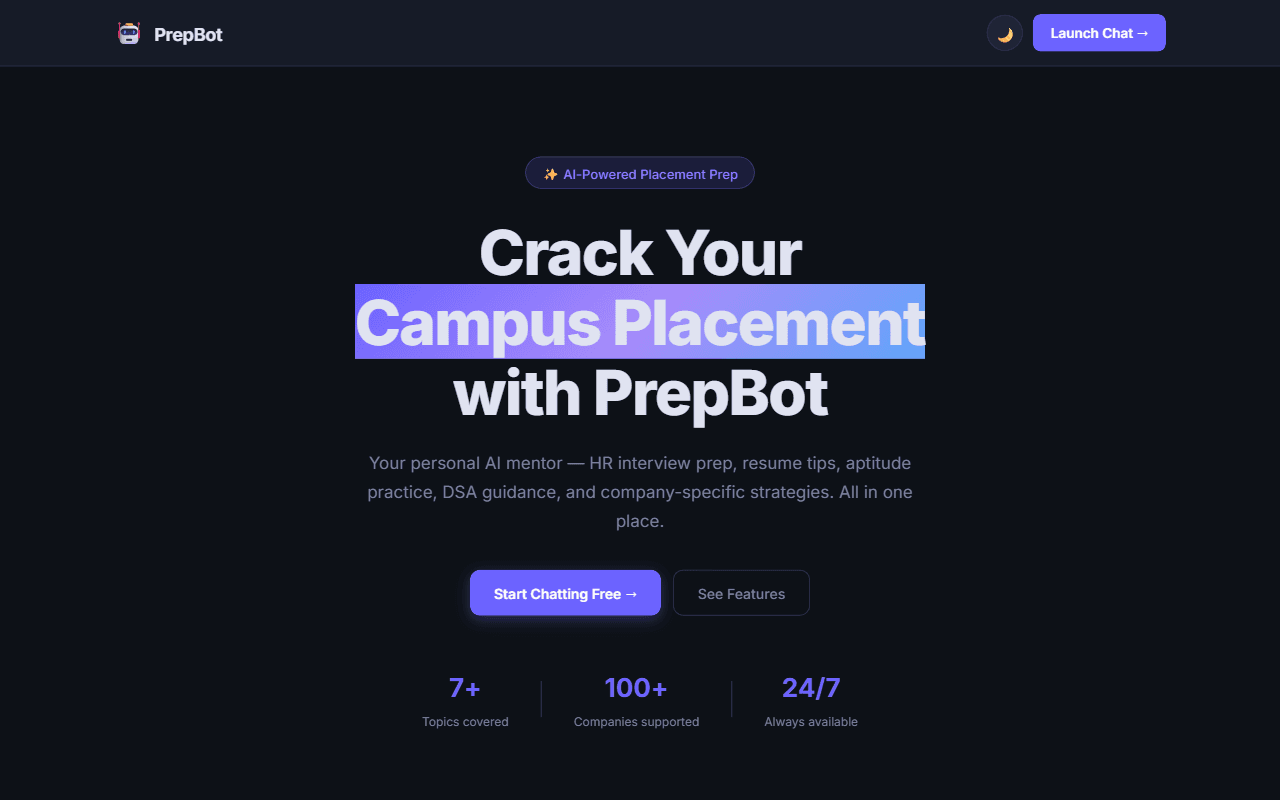
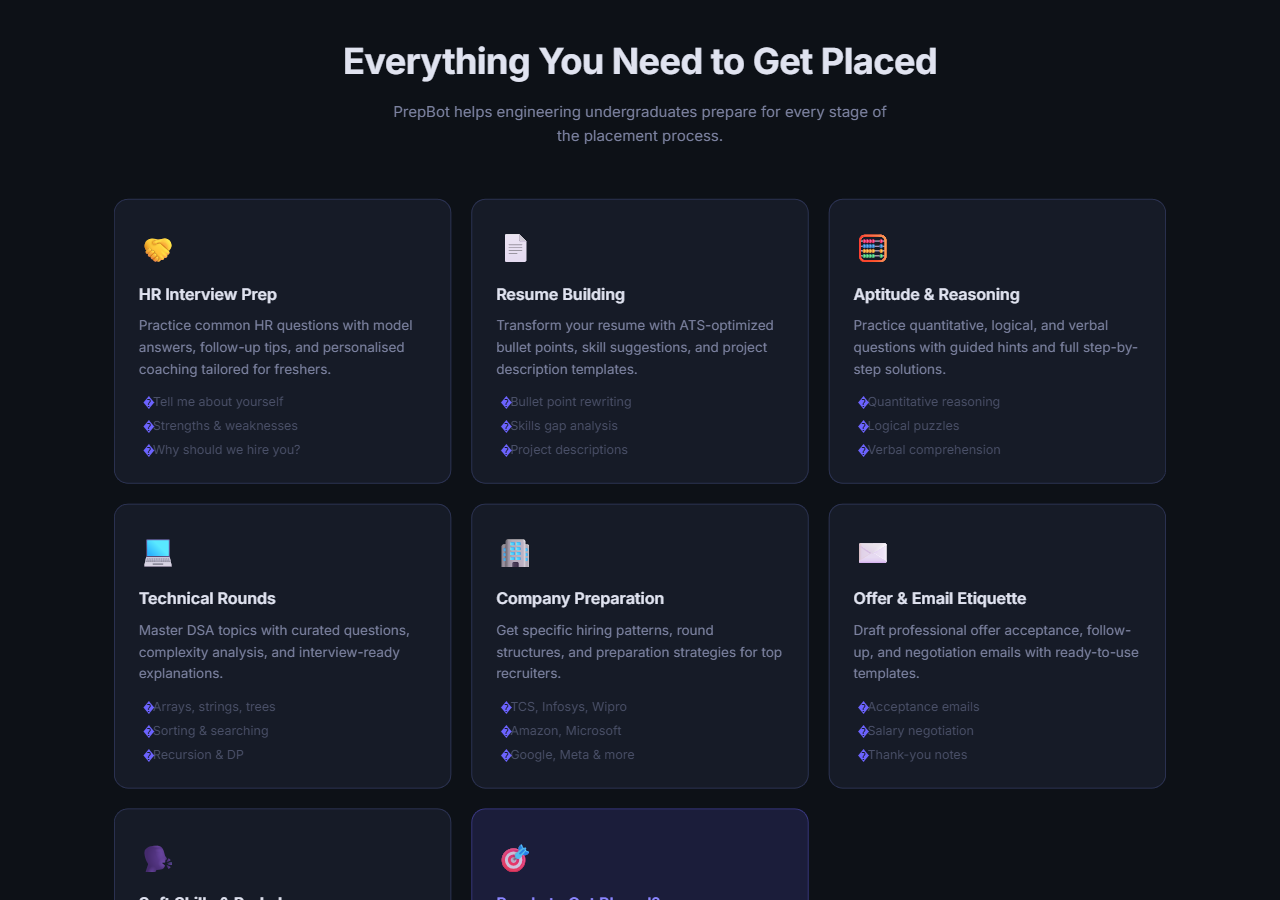
PrepBot is a topic-locked AI chatbot that acts as a personal placement mentor for engineering undergraduates. It covers HR interview prep, resume building, aptitude and reasoning, technical/DSA rounds, company-specific preparation, soft skills and body language, and offer/email etiquette — all in one chat interface. It's built entirely with plain HTML5, CSS3, and vanilla JavaScript, with no frontend framework.
02Problem
Placement preparation is scattered across a dozen different resources — one site for aptitude questions, another for DSA, a YouTube video for HR interview tips, a random template for resume bullet points. Most students juggle all of it manually, and general-purpose chatbots aren't focused enough to walk them through a placement cycle end to end.
03Why I Built PrepBot
I wanted a single, focused assistant that stays on-topic for placement prep specifically, rather than a general chatbot that happens to answer placement questions when asked. That meant building something topic-locked by design — it politely declines anything unrelated to placements — so every conversation stays useful for the one thing a student opened it for.
04How PrepBot Works
The interface has two pages: a landing page (index.html) and the chat interface (chat.html). On the chat page, seven quick-action buttons let a student jump straight into a topic — HR interviews, resume building, aptitude, technical rounds, company prep, soft skills, or offer etiquette. Each message (plus the full conversation history) is sent to an LLM, and the response is rendered back through a small hand-written markdown renderer, so formatted answers (lists, bold text, code) display properly without pulling in a markdown library.
05Key Features
- Topic-locked scope — refuses off-topic requests and steers the conversation back to placement prep
- 7 quick-action buttons for instant topic selection
- Multi-turn context — the full conversation history is sent with each request, so follow-up questions stay coherent
- Custom markdown rendering written in plain JavaScript, no external library
- Dark/light theme toggle, persisted in
localStorage - Single-request guard to prevent accidental rate-limit exhaustion from rapid repeated sends
- Fully responsive across mobile and desktop
06Technology Stack
HTML5 · CSS3 · JavaScript — zero frontend dependencies. The one piece of server-side code in the project is a small Vercel serverless function (api/chat.js) that proxies chat requests to Groq's llama-3.3-70b-versatile model using a server-side environment variable, so the hosted demo works out of the box without asking a visitor for their own API key.
07Development Process
I started from the constraint that mattered most: no framework, no build step, so the whole thing runs by opening index.html directly in a browser. That pushed the actual engineering into src/script.js (chat logic and API calls), src/style.css (the dark/light theme), and src/theme.js (persisting the theme choice) — three plain files doing what a framework would normally abstract away.
08Challenges
The two hardest problems were both about API keys. First, for anyone running the project locally, there's no server to hide a key behind — the README is explicit that a key should never be hardcoded into source files. Second, the hosted demo needed to work instantly for a hackathon judge or a visitor, without making them go find and paste in their own key first.
09Solutions
I built two supported paths side by side: locally, a user enters their own API key (Groq, Gemini, or OpenAI) through the sidebar at runtime, and it's kept only in localStorage — never written into a file. For the live deployment, api/chat.js runs server-side on Vercel and reads the API key from a Vercel environment variable, so the key never reaches the browser at all. Same chat experience, two different key-handling strategies depending on where it's running.
10What Makes It Useful
Because it's topic-locked and quick-action driven, a student doesn't need to write a good prompt to get a good answer — clicking "Technical Rounds" or "HR Interview Prep" gets them straight into a focused, structured conversation. And because it's zero-dependency HTML/CSS/JS, anyone can read the entire codebase in one sitting, fork it, and run it without a build pipeline.
11Hackathon Achievement
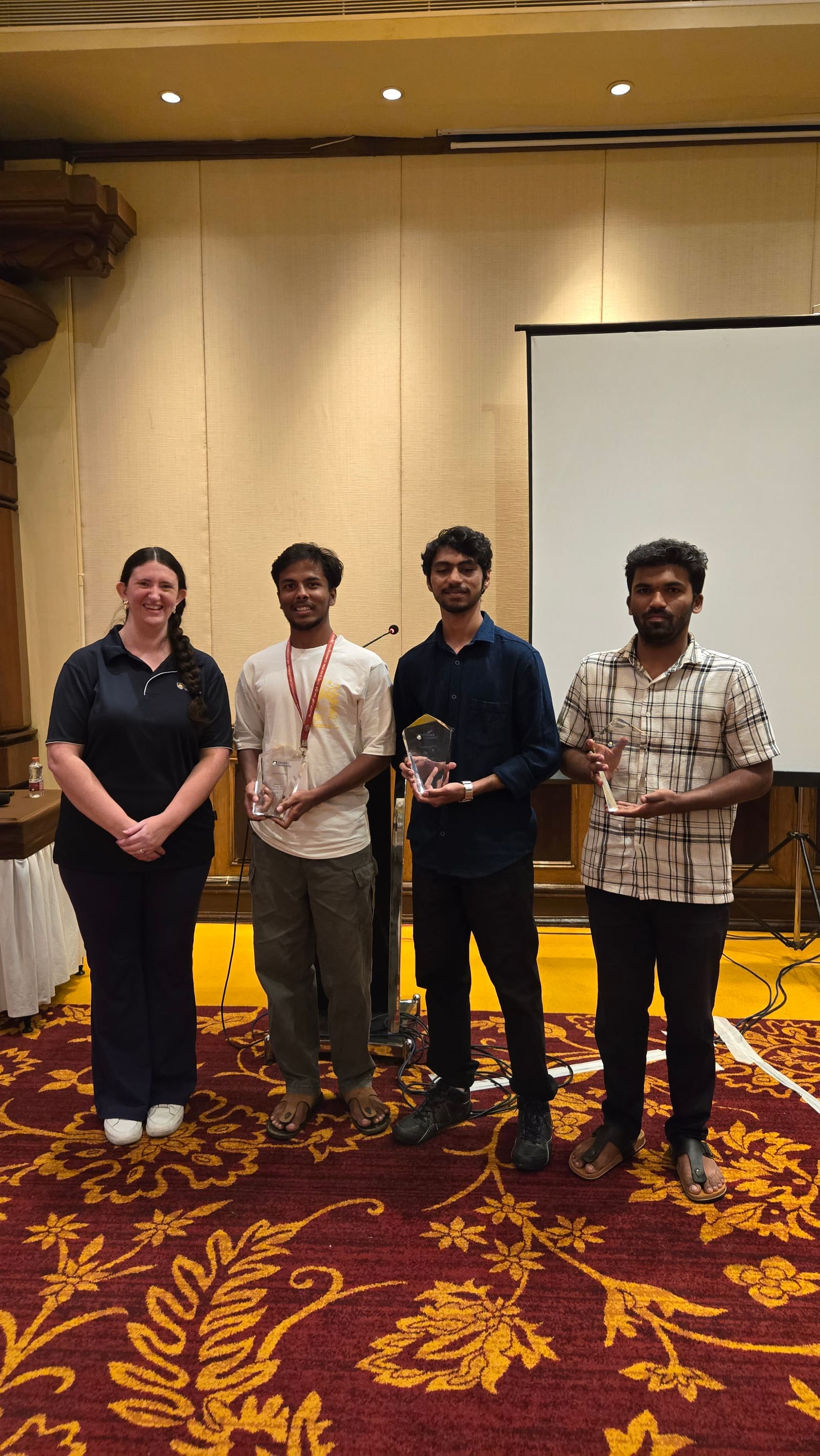
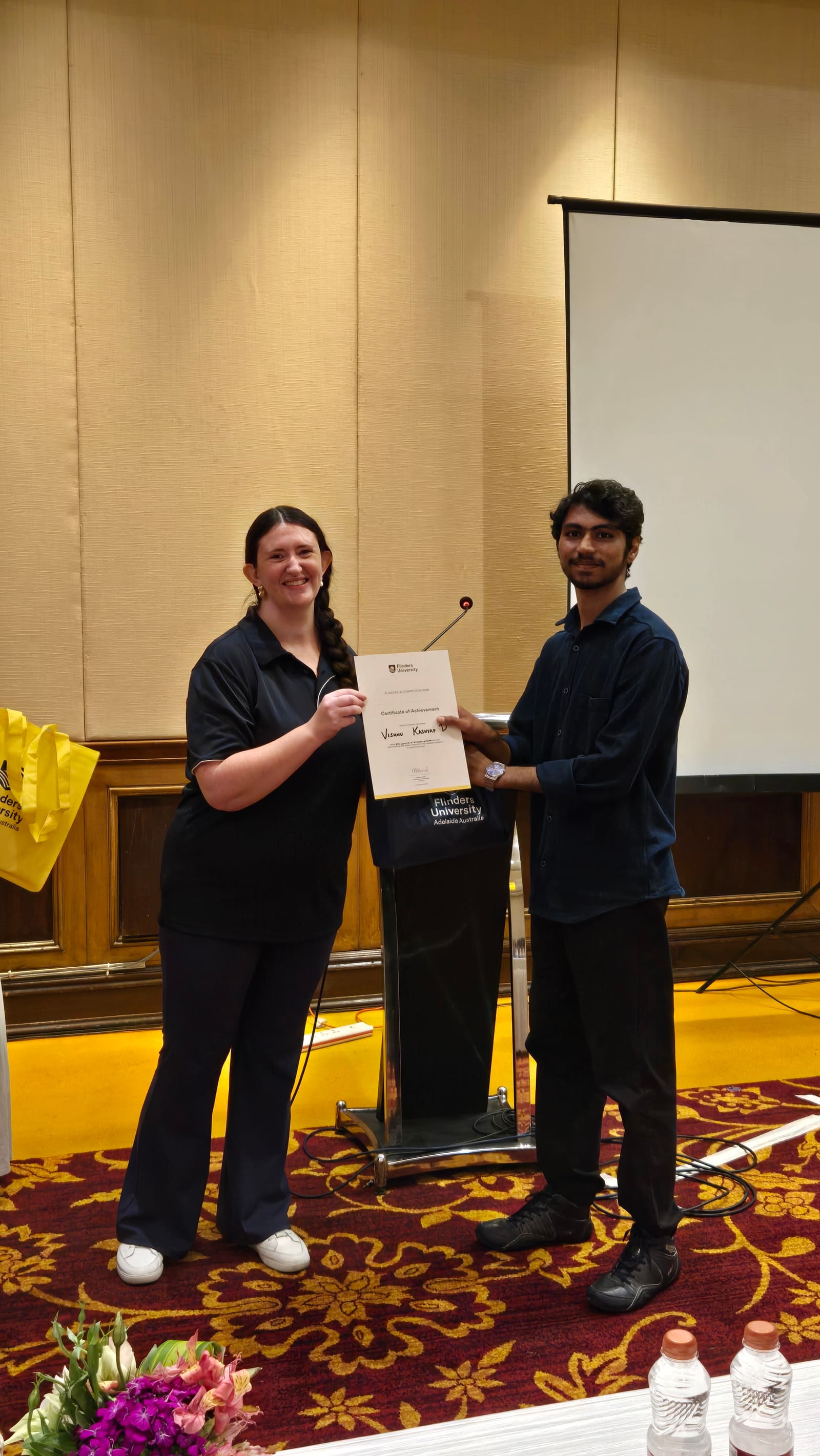
🏆 1st Place — Flinders University AI Hackathon, Bengaluru Round
↓
National Showcase
↓
🏆 $400 Prize
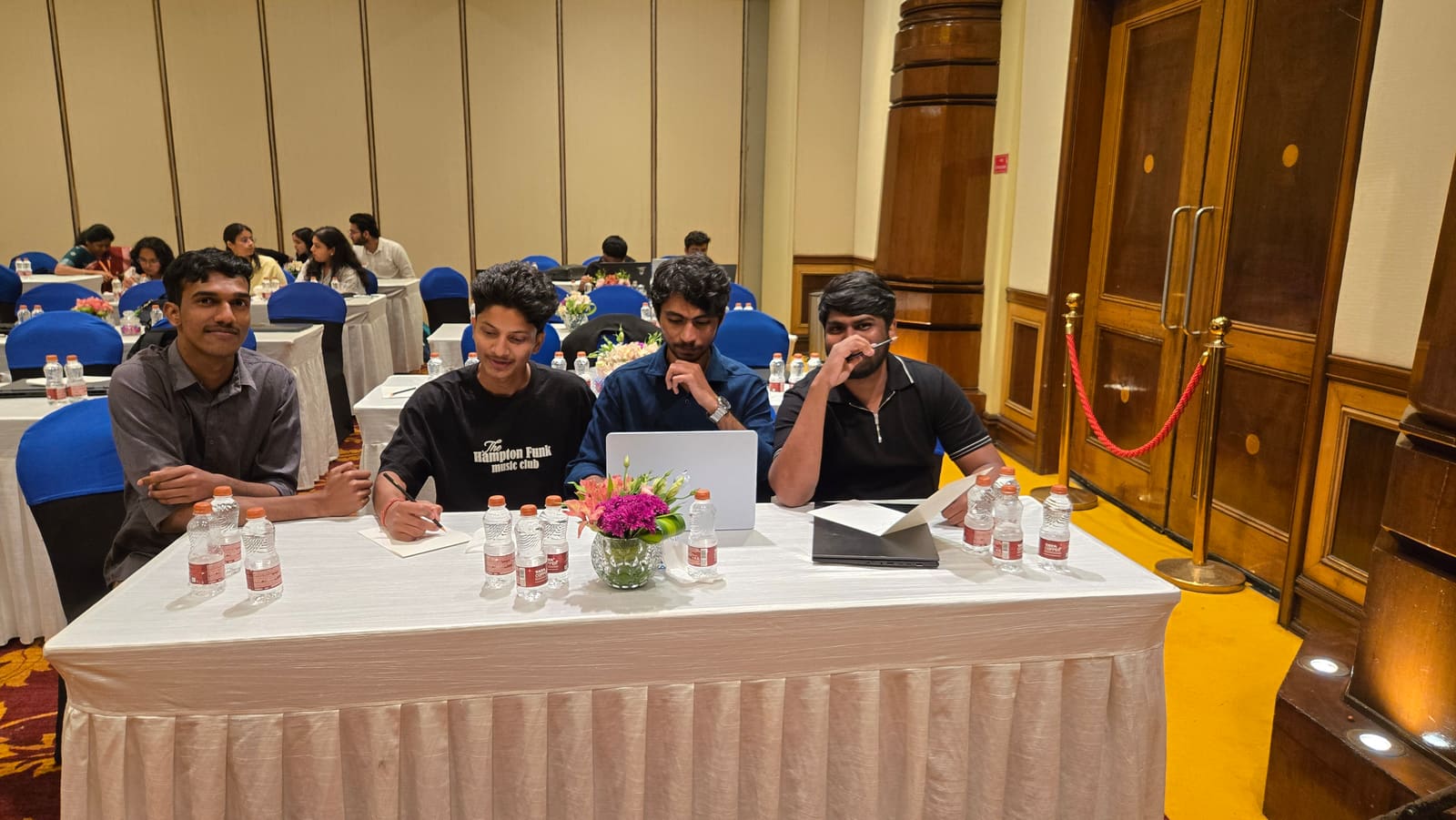
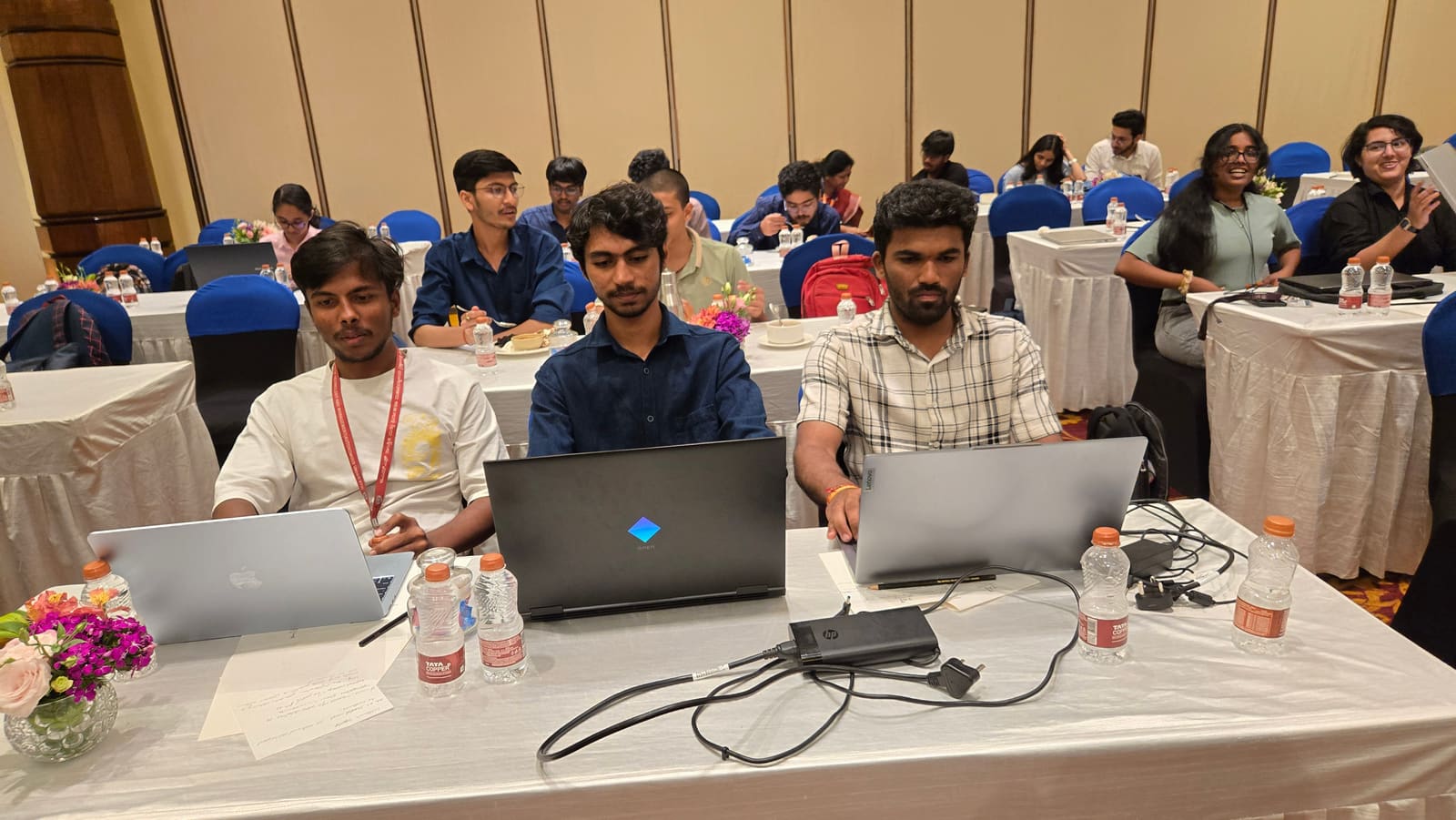
PrepBot won 1st place in the Flinders University AI Hackathon's Bengaluru round, which earned it a place at the National Showcase — where it went on to win a $400 prize.
12What I Learned
Building something genuinely dependency-free forces a different kind of discipline: every feature — theming, markdown rendering, conversation state — has to be reasoned about directly instead of leaning on a library's defaults. It also reinforced a pattern I keep coming back to across projects: API keys belong on the server, never in client code, and it's worth designing for that from the start rather than retrofitting it later.
13Final Outcome
PrepBot went from a hackathon submission to a working, publicly deployed product that placed 1st in its regional round and won a prize at the national stage — while staying true to its original constraint of running as a plain static site with no framework overhead.
14GitHub & Live Demo
The source is available on GitHub, and the live version is deployed at prep-bot-flinders.vercel.app.
Related Articles
 Projects
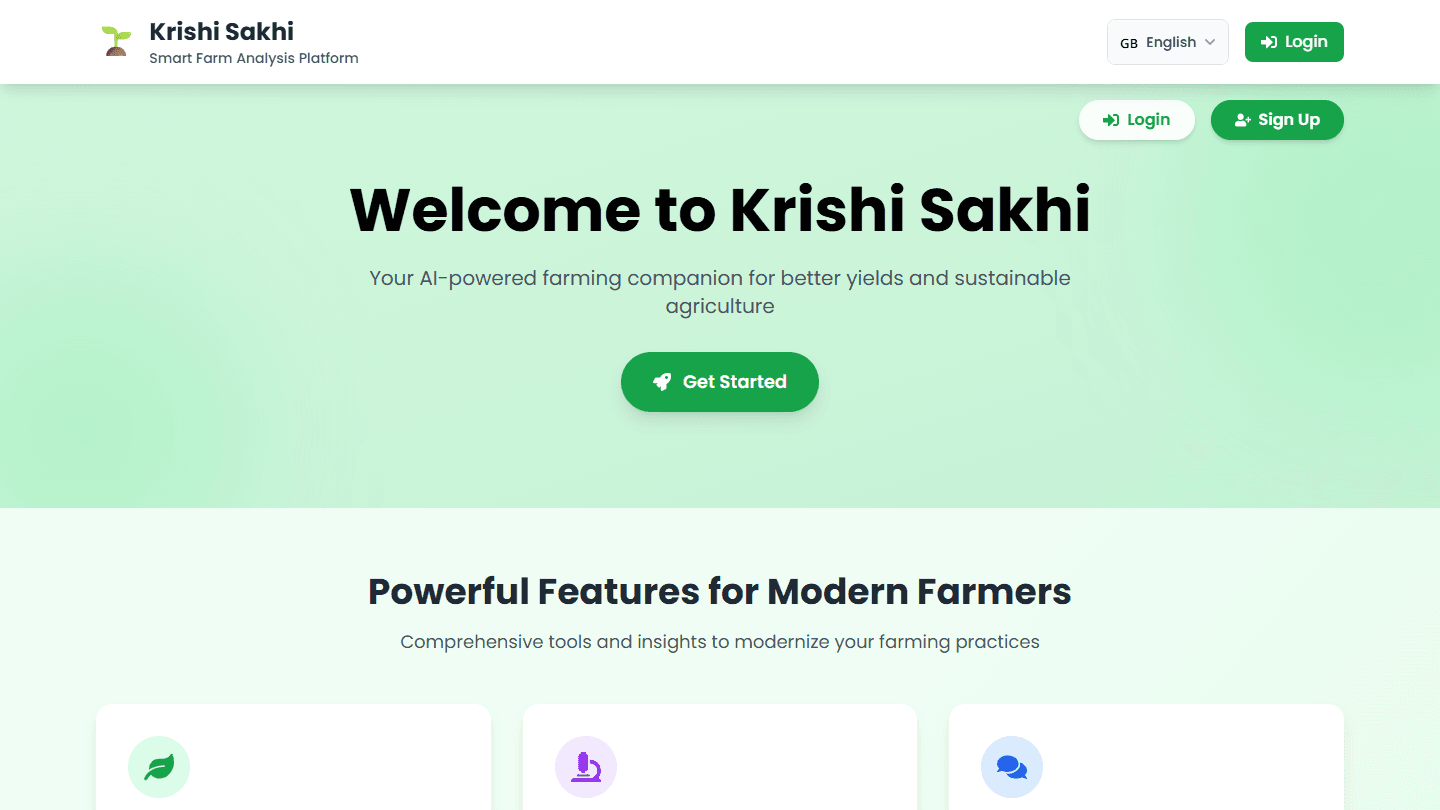
Krishi Sakhi: A Malayalam-Voice AI Farming Assistant
Building an AI assistant that farmers can talk to in Malayalam, and why speech recognition accuracy mattered more than model size.
Jul 28, 2026 · 2 min readRead Projects
How I Built This Portfolio
A breakdown of the architecture, design decisions, and technologies behind this site — from the Next.js App Router setup to the animated shader background.
Aug 20, 2026 · 3 min readRead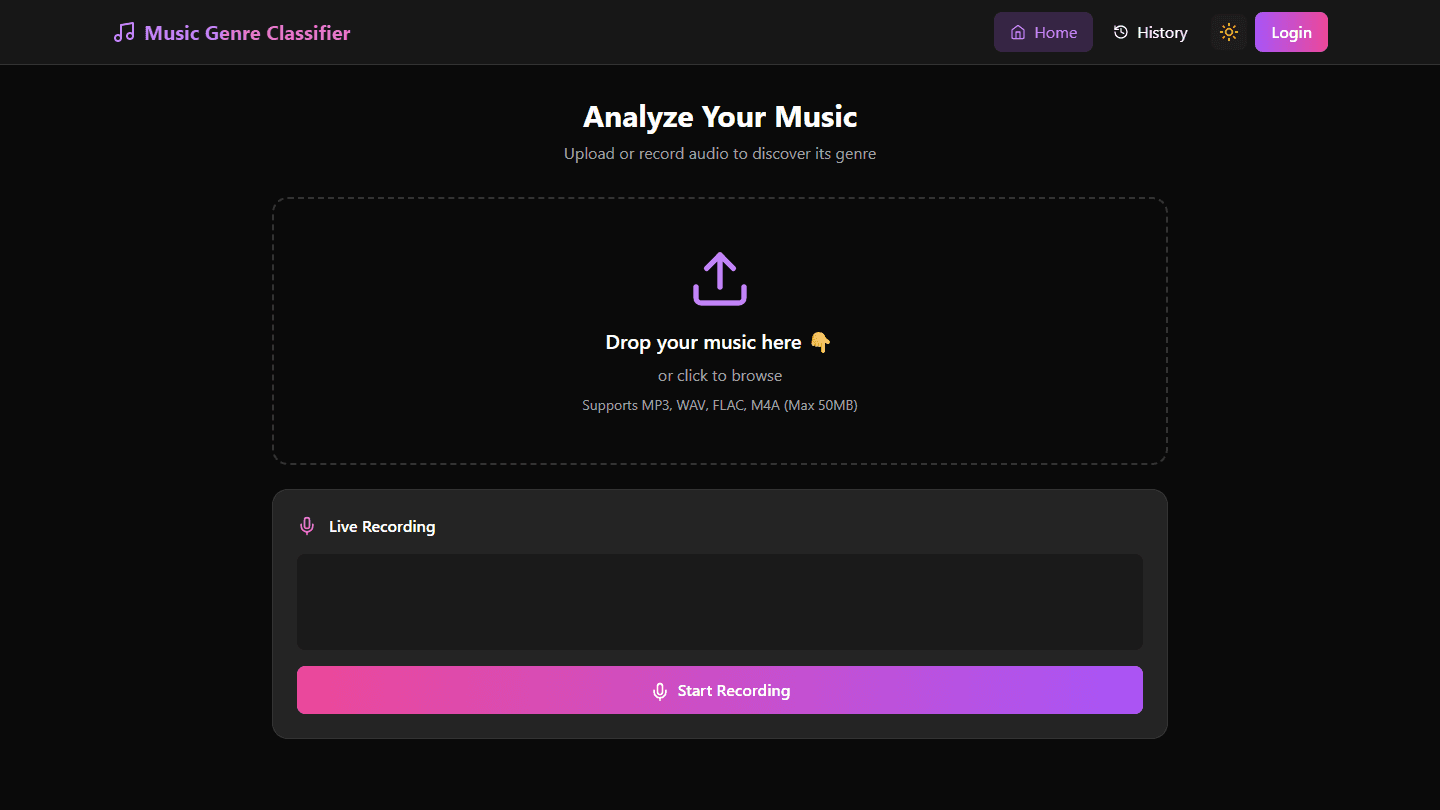 Projects
SongSense: A Music Genre Classifier from Audio Signals
How SongSense uses audio signal processing and spectral analysis to classify music genre, and where it landed on accuracy.
Aug 15, 2026 · 2 min readRead